
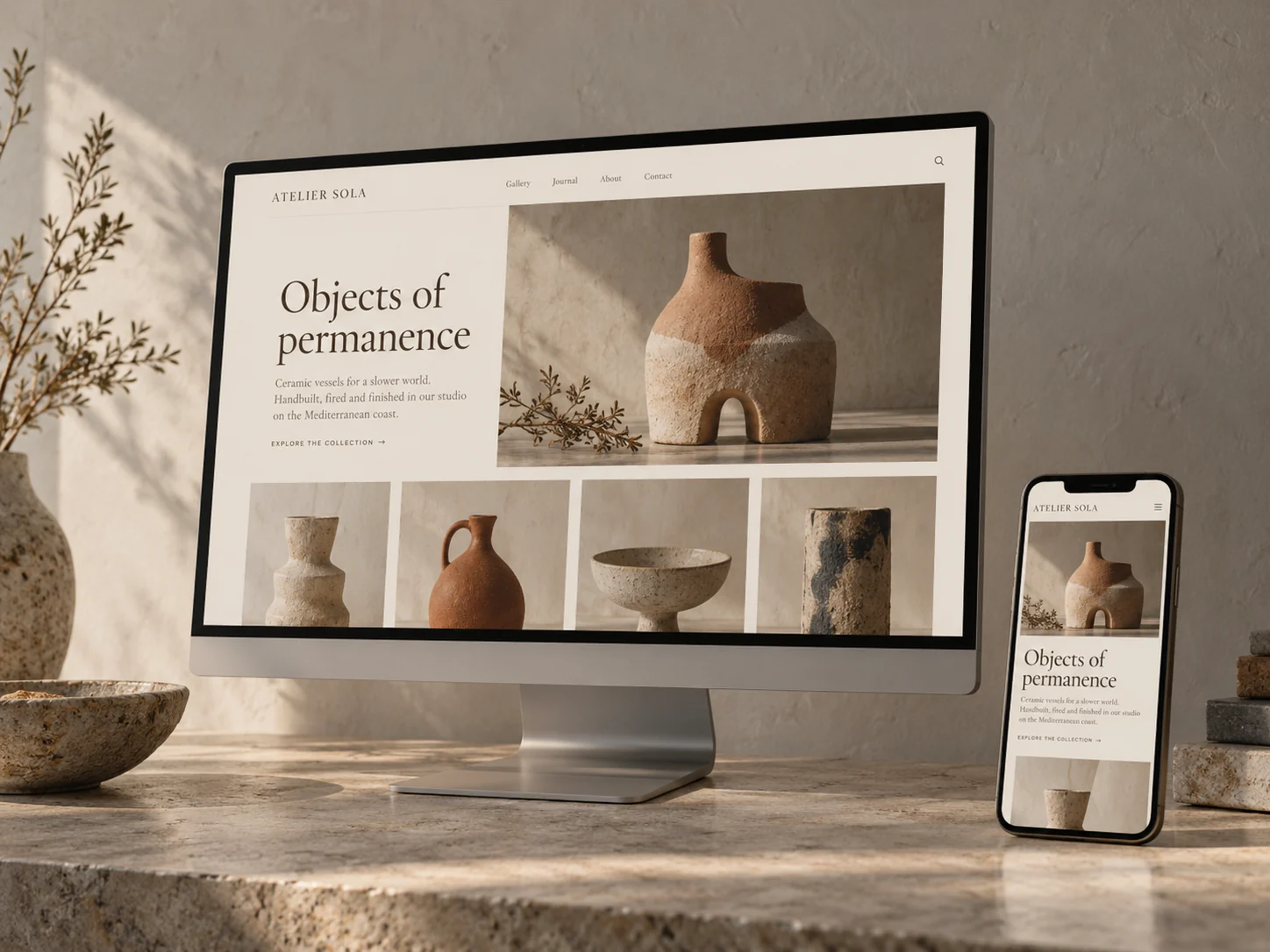
Squarespace makes it relatively easy to build a website without writing code. But what happens when you want something the standard editor doesn't offer?
Maybe you need a particular layout, a custom interaction, or an integration with another service. Perhaps your website already includes custom code that's causing problems, and you're not sure how to fix it.
The good news is that Squarespace supports a range of custom development options.
However, there's an important difference between customizing a Squarespace website and having full control over how the platform works.
Understanding that distinction can help you decide what's possible, which approach makes sense, and when you might need a developer.
Can you add custom code to Squarespace?
Yes. Both Squarespace 7.0 and 7.1 support custom code, although the available tools and level of access differ.
Depending on your website version and subscription plan, you can use:
- Custom CSS to adjust visual styling beyond the built-in controls.
- Code blocks to add HTML, embedded content, and certain custom functionality to individual pages.
- Code injection to add scripts and other code to specific pages or site-wide locations.
- The Squarespace Developer Platform, available only on eligible 7.0 websites, for more extensive template customization.
Each option serves a different purpose. Choosing the right one is important for keeping your website reliable and manageable.
1. Custom CSS: Going beyond Squarespace's built-in styles
CSS controls how elements on a webpage look.
Squarespace already provides settings for fonts, colors, spacing, and other visual details. Custom CSS allows developers to make more specific styling adjustments when those settings aren't sufficient.
For example, custom CSS can help with:
- More precise typography and spacing
- Custom button styles and visual treatments
- Adjustments to specific sections or page elements
- Styling embedded third-party content where supported
- Refinements to the appearance of an existing website
CSS is often the simplest way to achieve a visual customization without rebuilding an entire page.
But there are limitations.
CSS doesn't create new backend functionality, and complex styling changes can interfere with responsive layouts or future platform updates.
It's also important to use Squarespace's built-in design settings wherever they can achieve the same result. That generally makes the website easier to maintain.
2. JavaScript: Adding custom interactions and behavior
While CSS controls appearance, JavaScript can add behavior to a website.
For example, JavaScript may be used to create:
- Custom interactive elements
- Specialized content displays
- Additional behavior for buttons or navigation
- Interactive elements that respond to visitor actions
- Connections to compatible third-party scripts and services
Consider a website that needs to display information differently based on a visitor's selection.
Depending on the requirements, a developer may be able to implement that behavior with JavaScript rather than rebuilding the website on another platform.
However, custom JavaScript comes with trade-offs.
Scripts that depend on Squarespace's internal page structure can stop working when elements or platform behavior change.
Poorly implemented scripts can also slow down pages, cause mobile display issues, or interfere with the website editor.
That's why custom functionality should be tested and kept as simple as the requirements allow.
3. Code blocks: Custom content within individual pages
Code blocks allow you to add certain types of custom content directly into a Squarespace page.
They're particularly useful when you need something specific within a section rather than across the entire website.
Common applications include:
- Embedding third-party tools or widgets
- Adding custom HTML content
- Incorporating externally hosted functionality
- Displaying specialized content that isn't available through a native block
For instance, you might need to embed a tool from an external service that provides its own HTML or JavaScript integration.
A code block may allow you to incorporate that tool without developing an entirely new website feature.
Some functionality, including JavaScript and iframe embedding, requires an eligible Squarespace subscription plan.
When a native Squarespace block or supported integration already provides the required feature, it's usually worth trying that before adding custom code.
4. Code injection: Adding functionality across your website
Code injection provides another way to add scripts and custom HTML to Squarespace.
Rather than inserting code into a visible content section, it allows code to be placed in designated areas of a webpage.
This can be useful for:
- Third-party integrations
- Analytics and tracking scripts
- Website-wide JavaScript functionality
- Certain external widgets
- Custom features that need to operate across multiple pages
Code injection is available on eligible paid Squarespace plans.
It's important to remember that adding scripts this way doesn't give you unrestricted access to Squarespace's underlying systems.
The code still operates within the limitations of the platform.
And because injected scripts may run across multiple pages, changes should be tested carefully to avoid unintended effects elsewhere on the site.
5. Squarespace 7.0: The Developer Platform advantage
One of the most important differences between Squarespace 7.0 and 7.1 is the Developer Platform.
On eligible Squarespace 7.0 websites, developers can use the Developer Platform to access and customize template files directly.
This includes working with template markup, stylesheets, JavaScript, and other template assets.
Compared with adding custom code through the standard editor, this provides considerably more control over how a website's template is structured.
It can be particularly useful for websites with:
- Heavily customized templates
- Unique page layouts
- Custom-developed template features
- Complex styling requirements
- Existing functionality built specifically for the 7.0 Developer Platform
For businesses with these types of websites, access to the original development environment can be important when making changes or troubleshooting problems.
However, the Developer Platform still has limitations. It doesn't provide unrestricted access to Squarespace's content management system, built-in editing tools, or server-side functionality.
It also comes with additional maintenance responsibilities. Templates using Developer Mode don't receive the normal Squarespace template updates, although platform-wide updates continue.
This is one reason existing custom 7.0 websites may need specialist development support.
6. Can you do the same custom development on Squarespace 7.1?
Not exactly.
Squarespace 7.1 supports custom CSS, code blocks, and code injection, but it doesn't support the Developer Platform.
That means developers can't directly modify 7.1 template source files in the same way they can with eligible 7.0 sites.
However, that doesn't make 7.1 unsuitable for custom websites.
Many visual customizations, interactive features, and third-party integrations can still be implemented using Squarespace's available tools.
In fact, 7.1's more flexible built-in layout system may reduce the need for custom code in some situations.
The key is understanding the requirements before deciding how to build the feature.
Something that required extensive template modifications in 7.0 may be achievable with native 7.1 tools.
Other features may need to be reworked—or may not be practical within 7.1's limitations.
What can't you do with Squarespace custom code?
Although Squarespace allows considerable customization, it isn't an unrestricted application development platform.
For example:
You can't run your own server-side code directly on Squarespace. The platform doesn't support custom PHP, Ruby, or similar backend code.
You can't freely modify Squarespace's underlying editing system. Custom code doesn't provide unlimited access to the platform's internal functionality.
You can't assume every third-party integration is compatible. Some services have specific technical requirements that Squarespace may not support.
You can't safely assume custom code will always work after platform changes. Customizations may need to be updated, particularly when they rely on specific HTML structures or undocumented behavior.
For requirements that need custom backend processing, an external service or separate application may be a better solution.
The important thing is to choose an approach that remains reliable rather than forcing functionality into the platform.
When should you hire a Squarespace developer?
Not every website change requires custom development.
If you want to update text, replace images, or adjust a standard section layout, Squarespace's built-in editor is often enough.
But hiring a developer can make sense when:
- The standard editor can't achieve the result you need.
- You want a custom feature or integration.
- Existing custom code has stopped working.
- Your website has complex styling or responsive problems.
- You have a custom-built Squarespace 7.0 template.
- You're considering a migration from 7.0 to 7.1.
- You need someone to evaluate whether a technical requirement is practical.
A good developer shouldn't automatically recommend custom code for every problem.
Sometimes the best solution is to simplify an existing implementation, replace a fragile customization with a built-in feature, or approach the requirement differently.
How to approach a custom Squarespace project
Before starting a custom development project, it's worth answering a few questions.
What exactly needs to change?
Describe the result you want, rather than assuming a particular technical solution is necessary.
Which Squarespace version is the website using?
The options available on 7.0 and 7.1 aren't identical, especially for Developer Platform work.
Does the website already contain custom code?
Existing modifications may interact with new changes, so they should be reviewed before implementation.
Are there any platform limitations?
Some requirements may be better handled by a third-party service or a different technical approach.
How will the change be tested and maintained?
Mobile behavior, browser compatibility, performance, and future maintenance should all be part of the implementation plan.
For further technical details, Squarespace provides documentation covering custom code options and the Developer Platform.
The right customizations make your website better
Squarespace can do more than its standard templates might initially suggest.
With the right approach, custom development can help you refine an existing design, add useful functionality, and solve problems that aren't easily addressed through the visual editor.
But good development isn't about adding as much code as possible.
It's about understanding the platform, knowing its limitations, and implementing solutions that are appropriate for your website.